BlackSpirit BDO Bot Setup on Windows 10 & 11: From RingX Checkout to First Launch
Bought BlackSpirit through RingX? Follow this clear four-step walkthrough covering license key delivery, claiming on blackspirit.bot, and preparing Windows 10/11.
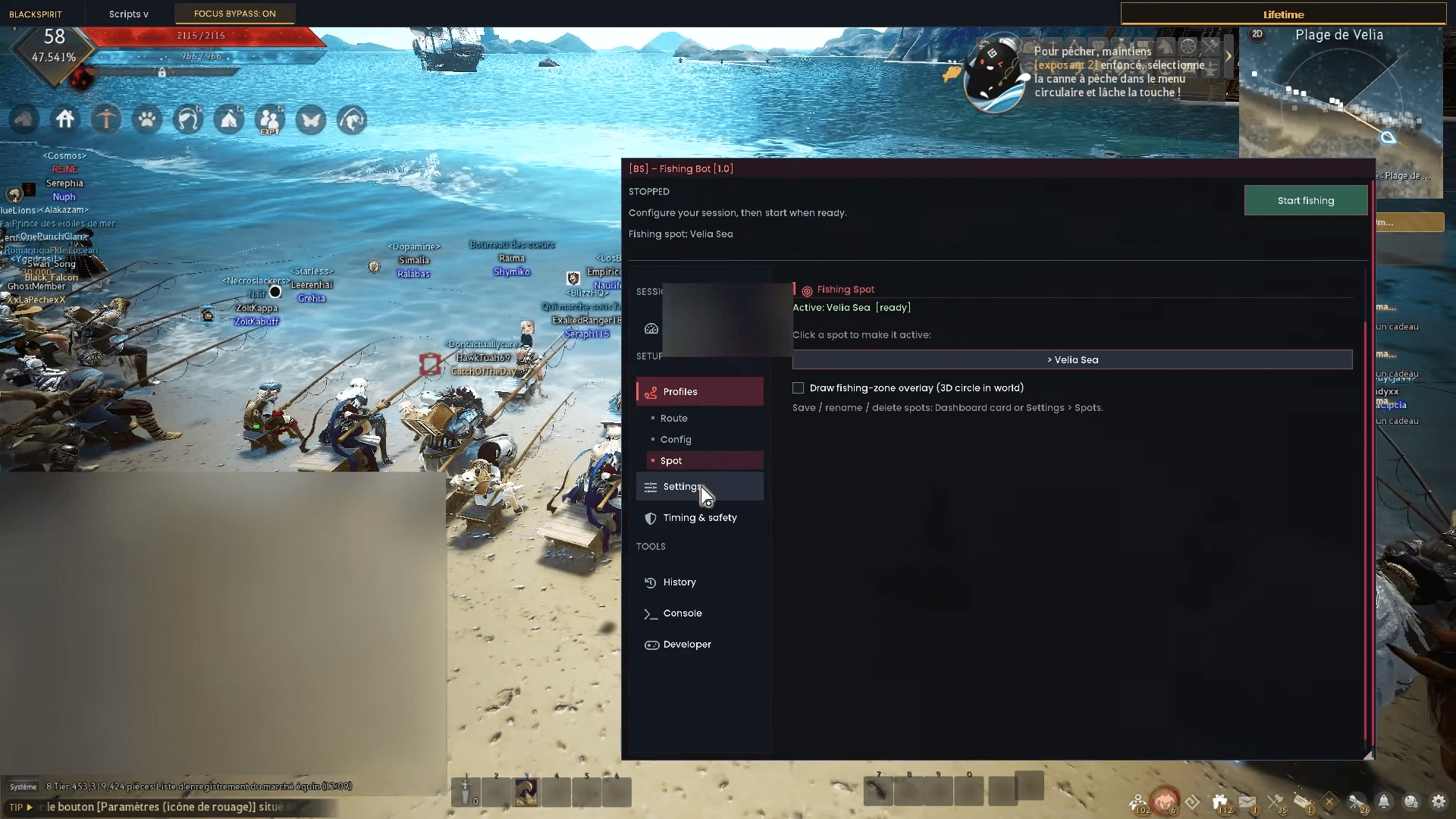
How RingX Checkout Connects to the BlackSpirit Portal
Unlike RingX-native titles that run through the unified RingX loader, BlackSpirit for Black Desert Online uses its own dedicated account and download portal while letting you pay conveniently through RingX (cards, PayPal, and crypto).
- Complete Checkout on RingX: Choose your preferred duration on /cheats/black-desert-online-bot. As soon as payment confirms, your unique license key appears on the order confirmation screen and in your receipt email.
- Claim Your Key on BlackSpirit: Create or log into your BlackSpirit account and redeem the key at blackspirit.bot/portal/claim.
- Prepare Windows 10 / 11 Display Settings: Run Black Desert Online in Windowed or Borderless Windowed mode at standard 100% Windows DPI scaling and close conflicting third-party overlay hooks. See our Windows 11 PC Gaming Setup Checklist.
- Verify Current Build Status Before Launching: After every Wednesday Black Desert Online maintenance window, check /status and official announcements before starting a session.
Support, Troubleshooting & Safety Boundaries
- Full Documentation: Bookmark /help/blackspirit for account rules, compatibility checks, and troubleshooting answers.
- Keep Keys Private: Never share your full license key or order email publicly in Discord channels or screenshots.
- Honest Risk Note: Third-party BDO tools always carry account risk under Pearl Abyss rules; status indicators reflect current build availability only.