Rob Run PC System Requirements & Best Windows 11 Settings for Smooth FPS
Urban firefights, police chases, and dense loot containers in Rob Run punish poorly configured Windows setups. Here are the practical PC specs and display tweaks that keep FPS steady.
Practical Windows PC Hardware Targets for Rob Run
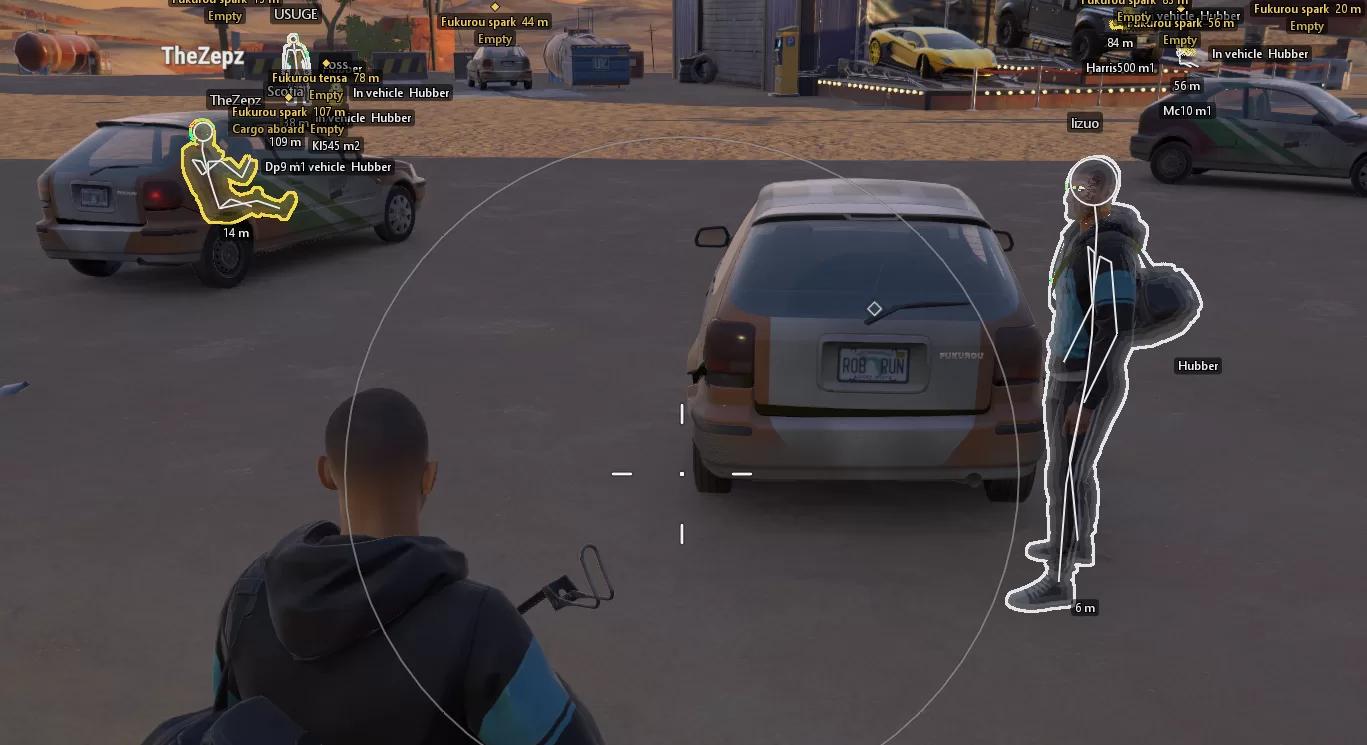
Rob Run streams dense city blocks, AI guards, vehicles, and base structures simultaneously on Steam servers. While minimum specs can boot the lobby, smooth gunfights during contested vault heists benefit most from fast single-core CPU performance and 16 GB+ of dual-channel RAM.
| Component | Baseline Playable | Smooth 1080p/1440p Target |
|---|---|---|
| OS | 64-bit Windows 10 (22H2+) | 64-bit Windows 10 or Windows 11 (updated stable channel) |
| CPU | 6-core Intel i5 / AMD Ryzen 5 | 8-core Intel i7 / AMD Ryzen 7 (x64 desktop/laptop) |
| RAM | 16 GB dual-channel | 32 GB dual-channel to prevent city-streaming stutters |
| Storage | NVMe SSD | NVMe SSD (reduces texture pop-in during fast car getaways) |
| Display Mode | Windowed Borderless | Windowed Borderless at native refresh rate |
Four Windows 10 & 11 Tweaks That Prevent Overlay & Frame Drops
- Run Windowed Borderless: Fullscreen exclusive often causes alt-tab stalls and hook conflicts. Windowed Borderless delivers near-identical frame latency on modern Windows 11 Flip Model while keeping menus responsive.
- Trim Redundant Overlays: Keep only one overlay active—disable unused GeForce Experience, Xbox Game Bar, or Rivatuner hooks before launching Steam.
- Update Visual C++ Runtimes & GPU Drivers: Fresh Microsoft VC++ Redistributables and WHQL GPU drivers eliminate most startup crashes. Walk through our full Windows 11 PC Gaming Setup Checklist.
- Verify Rob Run Compatibility: If you are preparing for the RingX Rob Run Internal edition, check /help/rob-run and /status first.